Builders › Scripting
Build indicators on raw order flow.
In a language made for it.
MMT scripting is a typed language with direct access to the book, the tape, CVD, and open interest.
Open the editor
              1
              // Sweep detector: watch the raw tape and the book

              2
              data tape = subscribe(data.trades, minSize: 5.0)

              3
              data book = subscribe(data.book, history: 30m)

              4


              5
              pane flow = pane(title: "Order flow", height: 0.3)

              6


              7
              on tape.trade(tr) {

              8
                let side = match tr.isBuy {

              9
                  true => "buy",

              10
                  _    => "sell"

              11
                }

              12
                plot(tr.size, on: flow)

              13
              }
MMT scripting is a purpose-built, statically typed language for order flow indicators. Scripts subscribe directly to candles, the order book, the raw tape, volume, CVD, open interest, funding, and liquidations, then plot to panes, heatmaps, and tables. The editor checks types and catches mistakes before you run.
Past the candle close.
Into the raw feed.
Most chart scripts stop at candle closes. Yours subscribes to the raw tape, the book, CVD, open interest, and liquidations.
- data.ohlcv + data.trades
Candles with buy and sell volume, and the raw tape.
- data.book
Order book imbalance and depth.
- data.vd / data.cvd / data.oi
Volume delta, CVD, and open interest.
- data.volume
Volume profile with point of control and value area.
- data.stat
Liquidations, funding, and mark price.
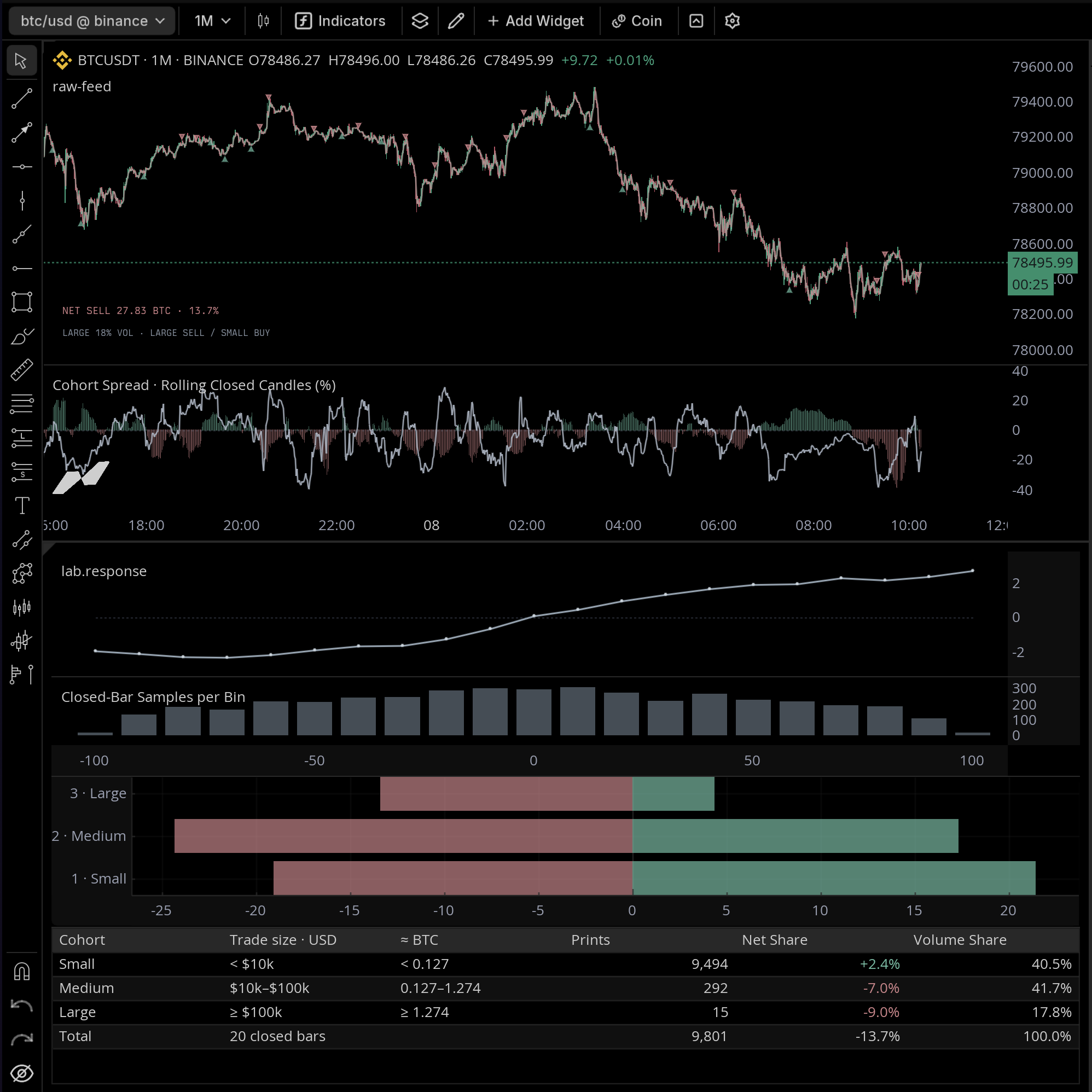
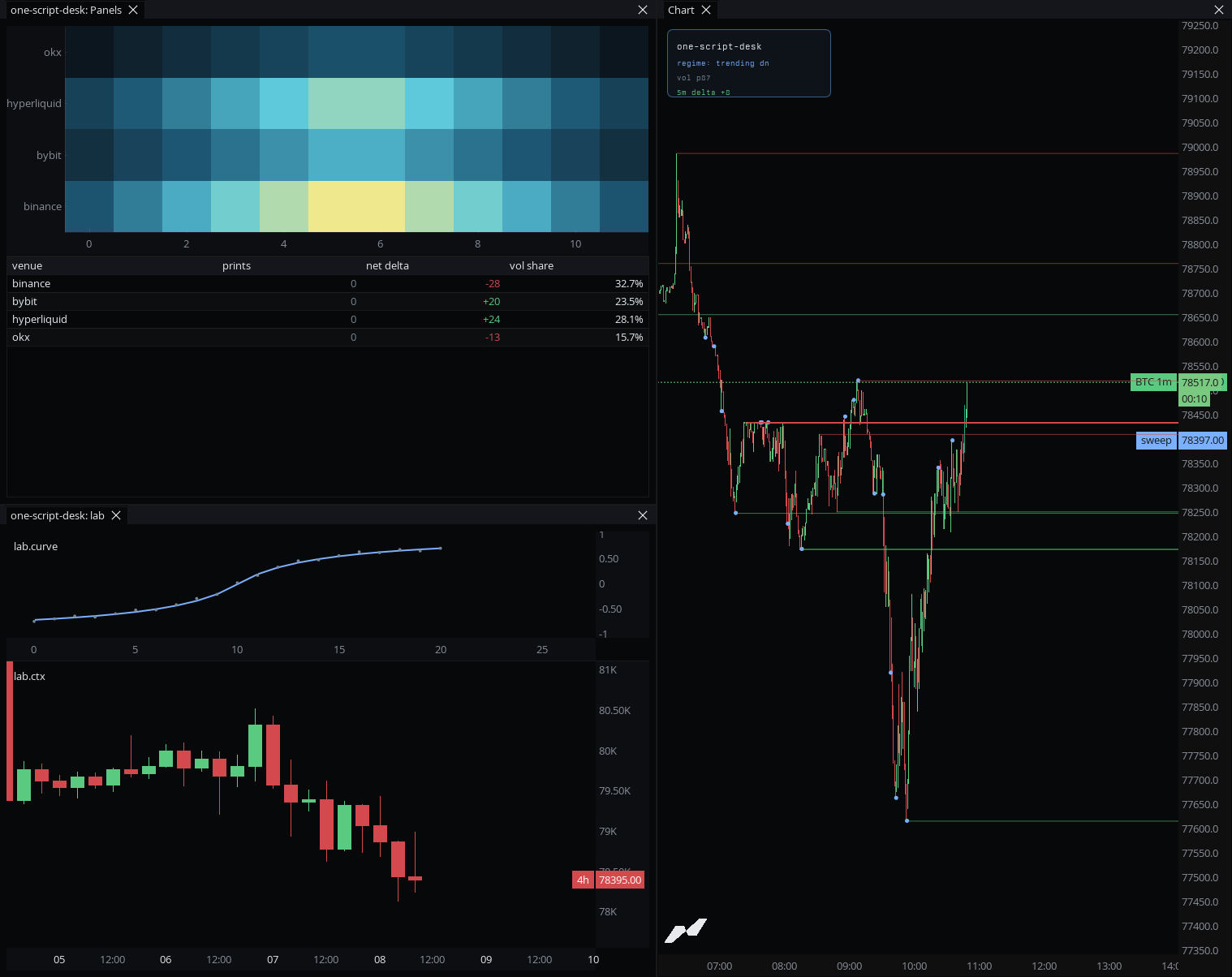
Not just a price pane.
A whole indicator platform.
V3 is a new language and a much larger indicator platform. Render the raw feed into panes, extra windows, general charts, heatmaps, tables, and pinned HUDs.
- pane / window
Stack panes, and dock extra windows that scale on their own.
- axis.index / axis.category
General charts: lines, scatter, distributions, and term structures.
- heatmap.new
Build your own heatmaps, keyed by venue, price, or hour.
- table.new
Live tables with per-cell alignment and styling.
- anchor.topLeft
HUD visuals pinned to the pane, not the timeline.
- entities.linePool
Pooled lines, boxes, labels, and markers, capacity-bounded and recycled.
A real type system.
Checked before you run.
- Statically typed values, inputs, and returns
- Custom types, lambdas, and pattern matching
- Multiple event handlers and per-subscription timeframes
- Built-in technical analysis like moving averages
Connect an AI agent through MMT'sMCP server, and it can read the language reference and your chart context to help write scripts.
              1
              type Zone {

              2
                low: float

              3
                high: float

              4


              5
                fn contains(price: float) -> bool {

              6
                  return price >= self.low && price <= self.high

              7
                }

              8
              }

              9


              10
              let poc = volume.poc() ?? chart.close

              11
              let ema20 = ta.ema(chart.close, 20)
When it fires, route it out.
When your logic fires, route it out of the terminal.
- Alerts on your own script conditions
- Discord and Telegram templates, any webhook URL on Ultra
- Fire once, or repeat after a cooldown
Publish it. Get discovered.
Publish your indicator and get it in front of traders.
- Apply for builder status, then publish to the community catalog
- Stars, attribution, and an optional public source
- Your own indexed page for the indicator
274 community indicators and counting
Live data on every plan.
Historical tape on Ultra.
Realtime data, including the raw tape, runs on every plan. Historical raw trades are on Ultra; Free and Pro scripts begin at the live edge. Data history depth follows your plan.
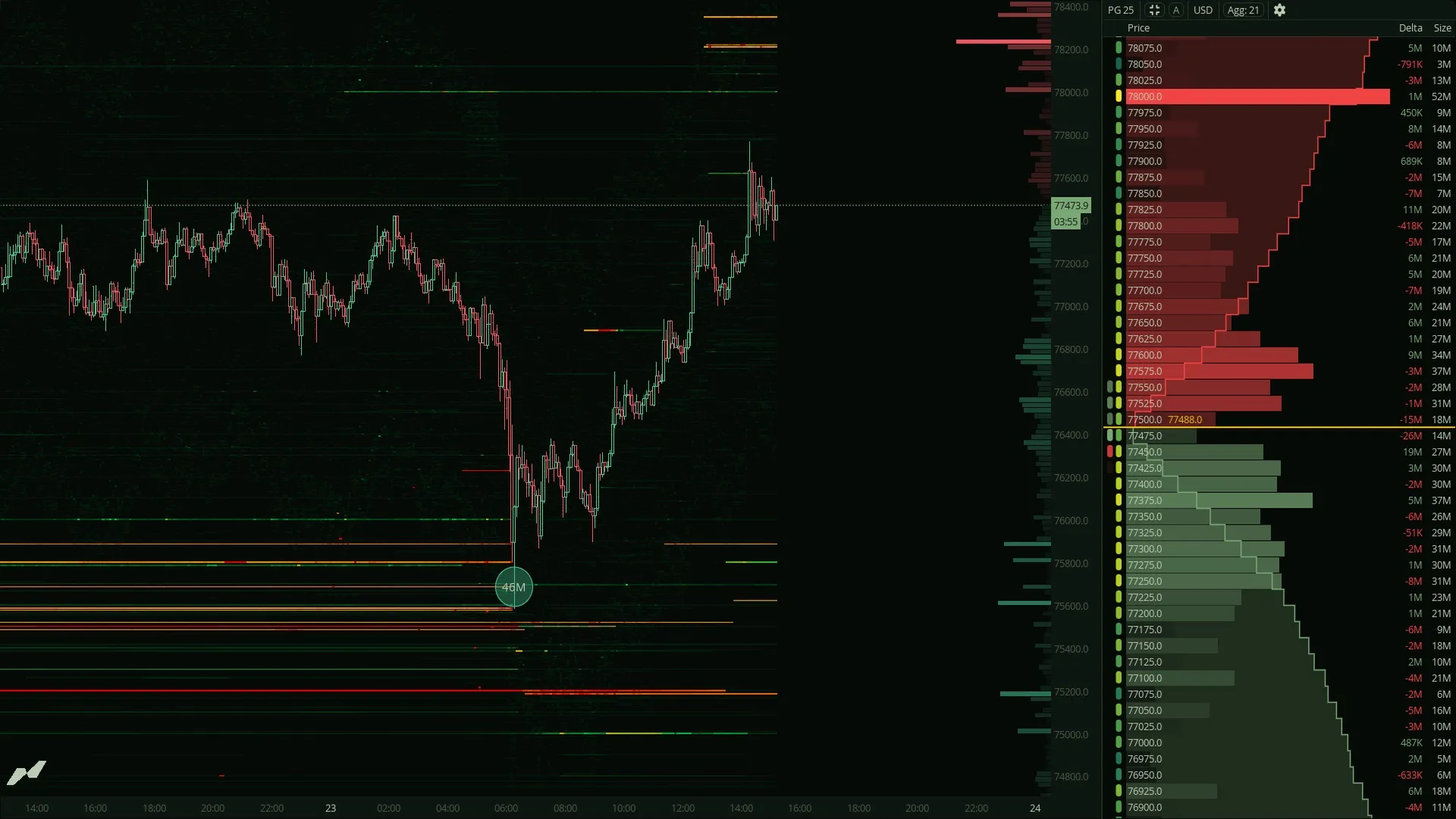
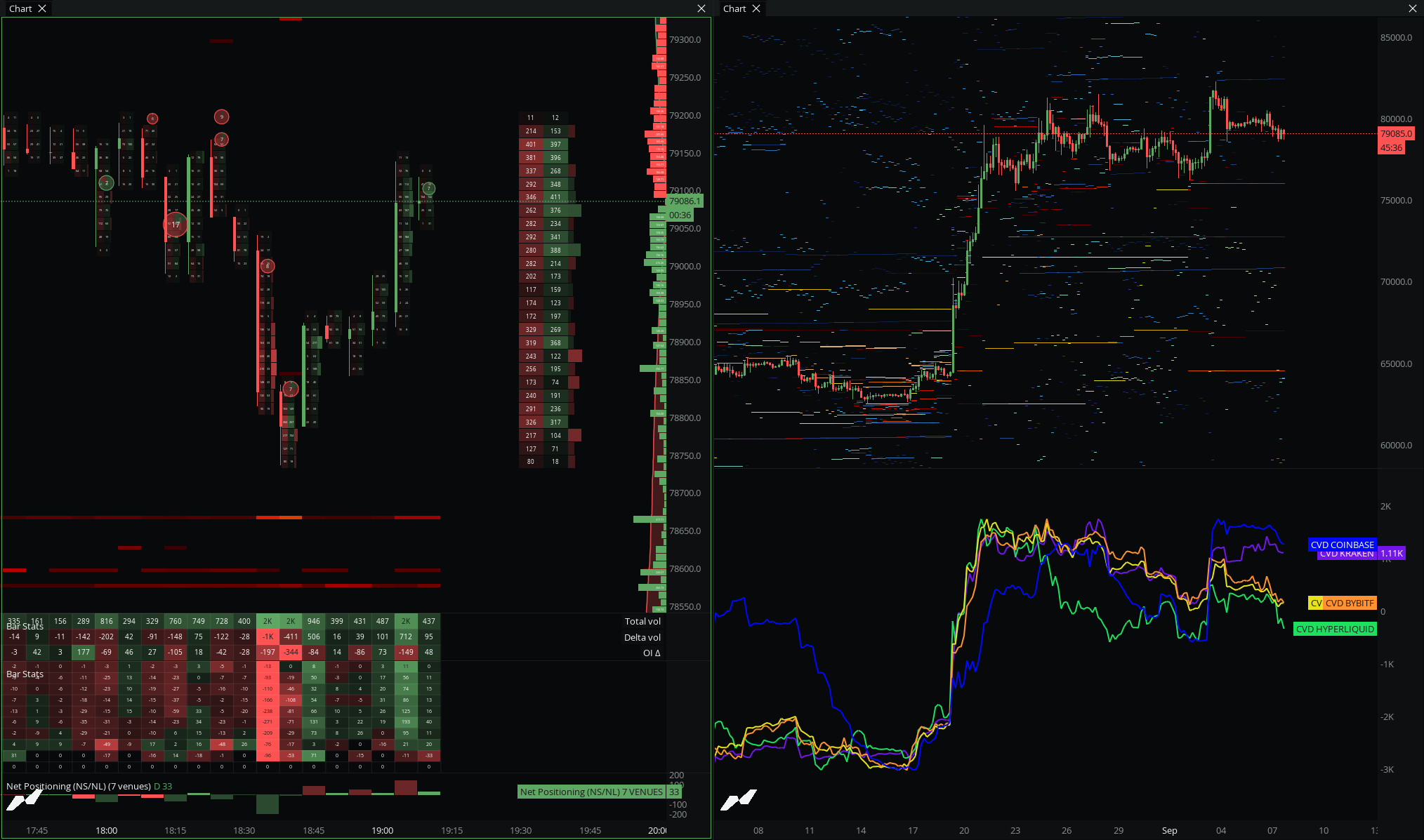
Traders on the terminal.
My first ever indicator developed on MMT Scripting v3 (Beta). What started as a project to learn the new language turned into this monster on $BTC.
@BigBoyOrderflow
I was scripting Japanese candlestick labels over the footprint data the other day. Each pattern, bearish engulfing and so on, represents a read on buyer/seller conviction, so it was cool to assess that.
@Blueprint_So9
I can't lie, I've been eyeing MMT for about a year now and it's becoming impossible to ignore. With more people knowing about it, IMO it will take over the crypto market in the future, especially with the AI tools.
@CikiTrades
Questions?
Answers.
Do I need to know a specific language?+
MMT scripting is its own typed language, built for market data. If you have written an indicator before, the concepts carry over, and the editor catches type mistakes before you run.
What data can a script access?+
Candles with buy and sell volume, the raw order book, the tape, volume, volume delta, CVD, open interest, funding, mark price, and liquidations, through explicit subscriptions. You can read order book imbalance and depth, and volume profile with point of control and value area.
Can an AI agent help me write scripts?+
Yes. Connect an agent through MMT's MCP server and it can read the language reference and your chart context to write and edit scripts.
How do I publish an indicator?+
Apply for builder status, then publish to the community catalog. Published scripts get stars, attribution, and their own indexed page.
What is free, and what needs Ultra?+
Live data, including the realtime tape, runs on every plan. Historical raw trades are on Ultra, and data history depth follows your plan.
Free forever. Pro when you outgrow it.
Start free with no card. Upgrade only when you hit a limit.
Free
Kick the tires. No credit card.
$0$0/mo
forever freeforever free
- 4 Widgets
- 5 Layers per chart
- 2 Charts
- 2 Saved workspaces
- 1 Alert
PRO
Most popularFor traders who take this seriously
$69$29/mo
Billed monthlyBilled at $348
- 50 Widgets
- 20 Layers per chart
- 20 Chart templates
- 20 Saved workspaces
- 20 Alerts
- 5 Custom timeframes
- 25k Historical bars
- 5k Sub-minute bars
Enhanced edge & increased limits.
$99$42/mo
Billed monthlyBilled at $499
- 100 Widgets
- 50 Layers per chart
- 50 Chart templates
- 50 Saved workspaces
- 30 Alerts
- 20 Custom timeframes
- 50k Historical bars
- 10k Sub-minute bars
- Non-time rotation candles
Pay with crypto
Annual plans available via USDC or USDT.
Cancel anytime. No questions, no guilt trips.